|
|
http://www.jindent.com |
 Previous: WinCVS (Concurrent Version System for Windows)
|
Next: UltraEdit

|
| Introduction to TextPad |
| Manual installation of Jindent's TextPad plugin |
C:\Jindent\.C:\Jindent\MySettings.xjs.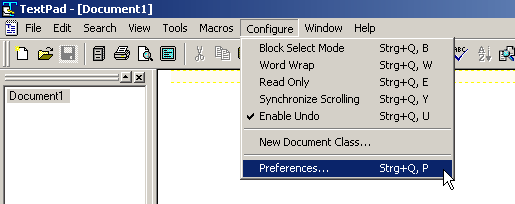
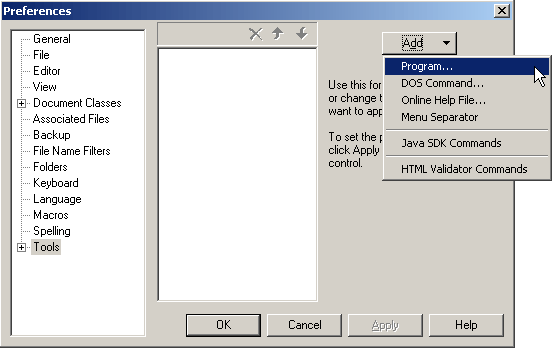
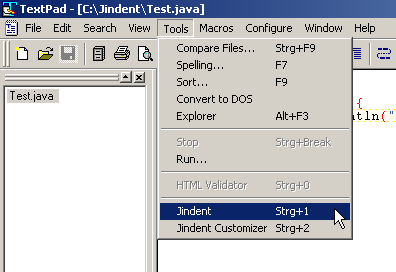
Jindent.exe from Jindent's installation directory and click 'Open'.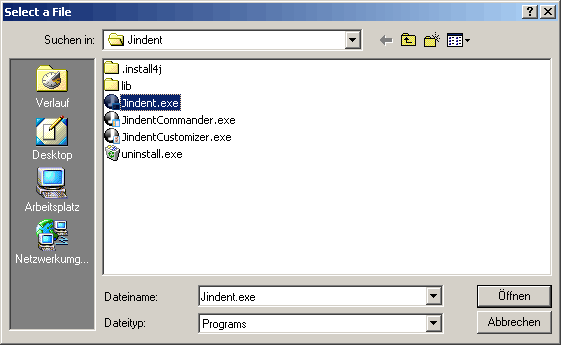
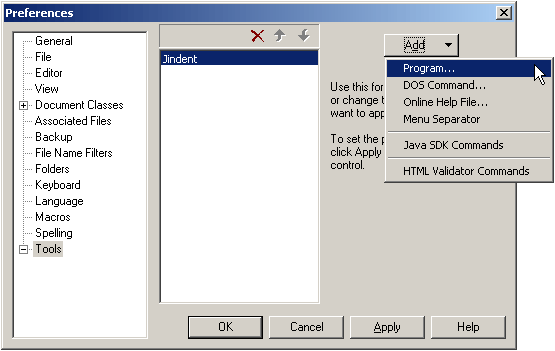
JindentCustomizer.exe from Jindent's installation directory and click 'Open'.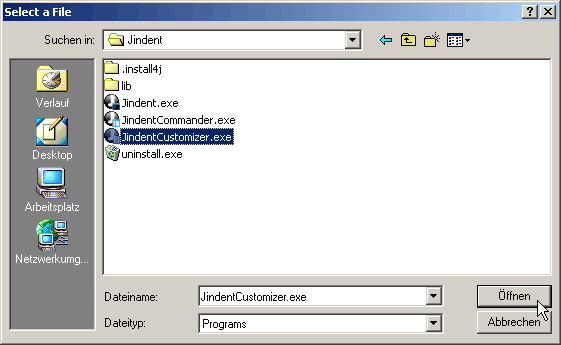
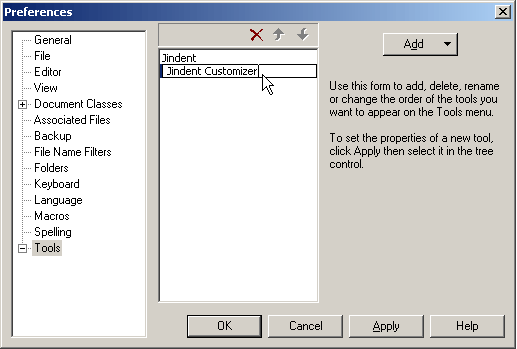
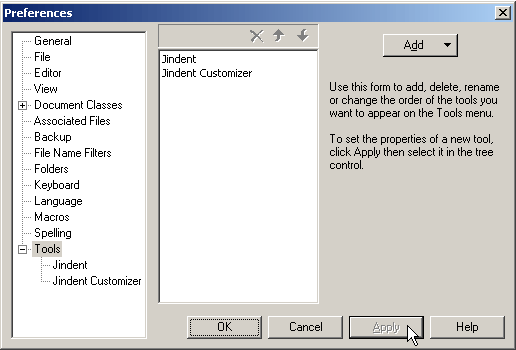
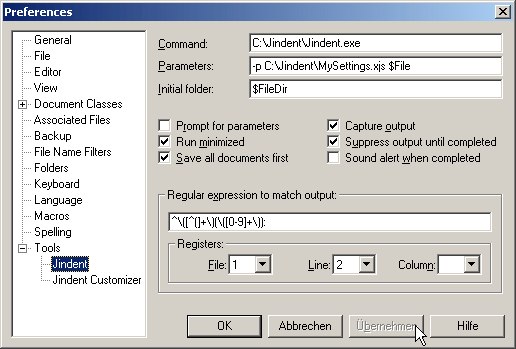
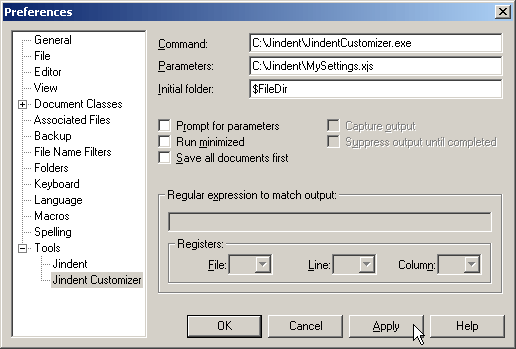
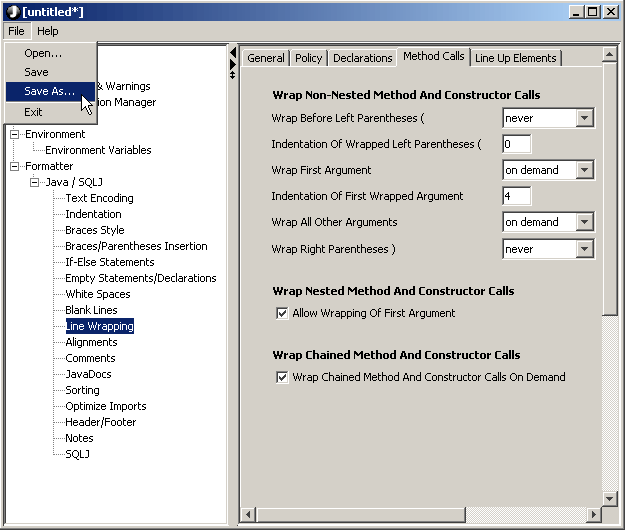
C:\Jindent\MySettings.xjs. (If you already have a file there then please skip this part.)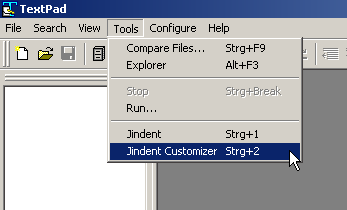
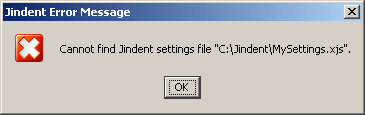
C:\Jindent\MySettings.xjs. Finally close the customizer.